Creative Project Backup Checklist: Save the Work, Not Just the Export
A finished export cannot reopen every creative decision. Build a small recovery package, keep independent copies and test whether the work actually comes back.
Oct 18, 2026 · 3 min read
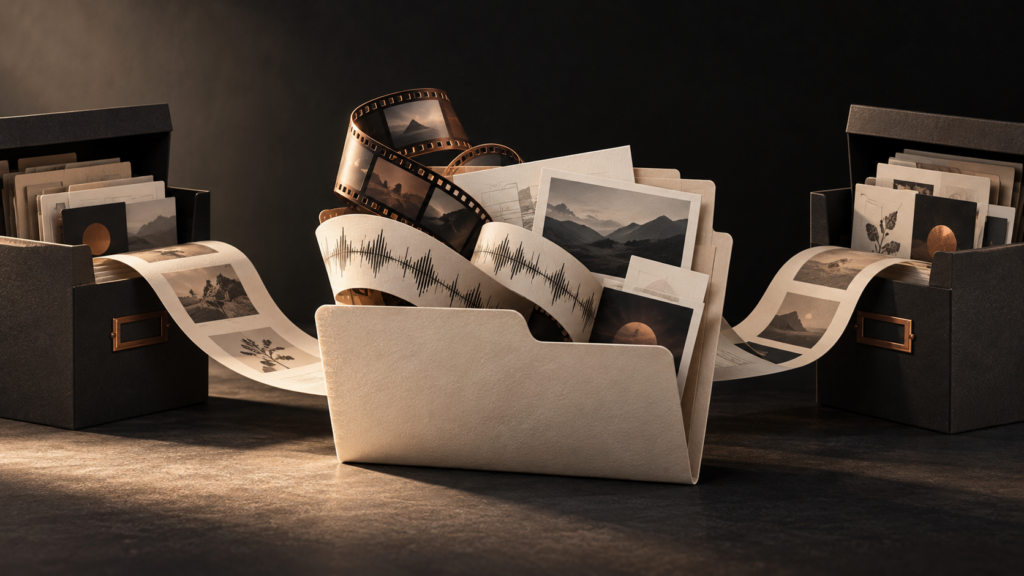
A useful creative-project backup preserves enough material to reopen the work, not merely replay its final export. Keep the working project, the source files it depends on, a reference export and a short note explaining what belongs together. Then test a recovery before a deadline makes the test urgent.
That distinction matters whether the missing item is a vocal take, a linked photograph or an edit decision. A beautiful final video may be enough to publish today. It will not necessarily let you change tomorrow’s subtitle, replace a licensed image or retrieve an isolated instrument for a new mix.
1. Define the smallest usable recovery package
Start with one important project, not your entire drive. Make an archive folder containing the editable project and its necessary media. Use your application’s supported collection or consolidation workflow where available, and verify what it actually includes.
Add a reference export that shows or plays the approved result. For audio work, useful additional files may include consolidated tracks starting at the same point; for design, a review PDF can show the intended layout. These are practical suggestions, not a claim that every format preserves every effect, edit or interaction.
2. Leave a note for the next person—including future you
The Library of Congress recommends descriptive names, metadata, a clear folder structure and a summary when preserving digital audio. Adapt that principle to the whole project. A small text file can record:
- Project name, date and the version considered approved.
- Application/version and important dependencies.
- Where source media and reference exports are stored.
- Who can authorize changes and where relevant permission records live.
- The last backup and successful restore-test dates.
For example: “Harbor campaign; approved cut 2026-10-18; original interview audio in Source; captions in Text; review export in Reference.” This is an invented workflow example, not a real client case. Keep passwords and confidential client information out of an openly shared note.
3. Make copies that do not share one point of failure
The familiar 3-2-1 approach means three copies in total, across two different media types, with one backup offsite. HHS’s cybersecurity guidance sets out those numbers and recommends periodic restoration tests; it also notes the value of offline backups against malware that can disrupt online copies.
For a small studio, map those roles explicitly: working data, a separate local backup and a protected offsite backup. Check the actual service and storage configuration rather than counting three folders on one device as three independent protections. A synchronized folder alone does not prove that an older, intact version remains recoverable.
4. Reopen the project from the backup
Copy one archived project into a separate test location. Open it without relying on its original media paths, check for missing assets and compare a fresh render with the reference. Do not delete the originals to run this test. Record what failed, fix the archive and test again.
Common misses include offline-only files, uncollected media, missing font access and unavailable plug-ins. Le Cadre’s font-handoff guide explains why preserving a dependency is not automatically permission to redistribute its software. The music metadata checklist helps keep release information beside the files.
Le Cadre’s recommendation: treat a successful restore as part of project completion. Copies matter; usable copies matter more. Join the Creative Business community to compare what belongs in a dependable archive.